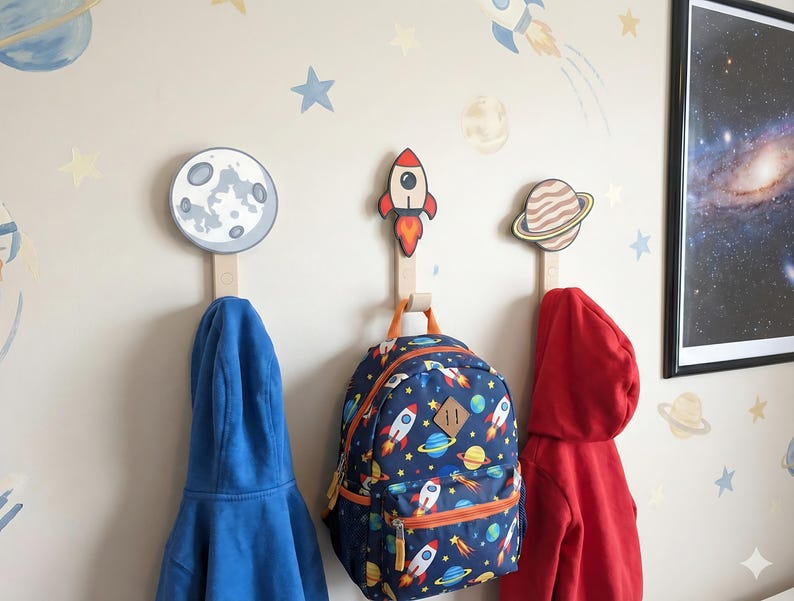
I started this experiment in late May 2026 with a question that sounded simple: could I take an ordinary phone photo of a 3D-printed product and turn it into a genuinely attractive Etsy listing photograph without sending it to a cloud image service?
3D printing is another passion of mine. I sell some of the things I design and print through NEWMANzoneCREATIONS on Etsy: playful wall hooks, desk organizers, and other functional pieces for kids’ spaces. Designing and printing the object is the part I naturally want to spend time on. Producing a complete set of professional listing photographs can become a second project for every product.
The source photo did not need to be terrible. It just needed to be normal: a product on a granite counter, light coming from the wrong direction, or a fabric background because that was what I had nearby. Professional product photography asks for much more—controlled light and shadows, accurate color, useful scale, multiple angles, and believable scenes that show how the product belongs in a real room.
I tried building a small tabletop studio. It helped, but glossy filament still caught reflections, light colors shifted, and every new design meant arranging the lights, props, camera, and scene again. I wanted the model to do the staging while preserving the object.
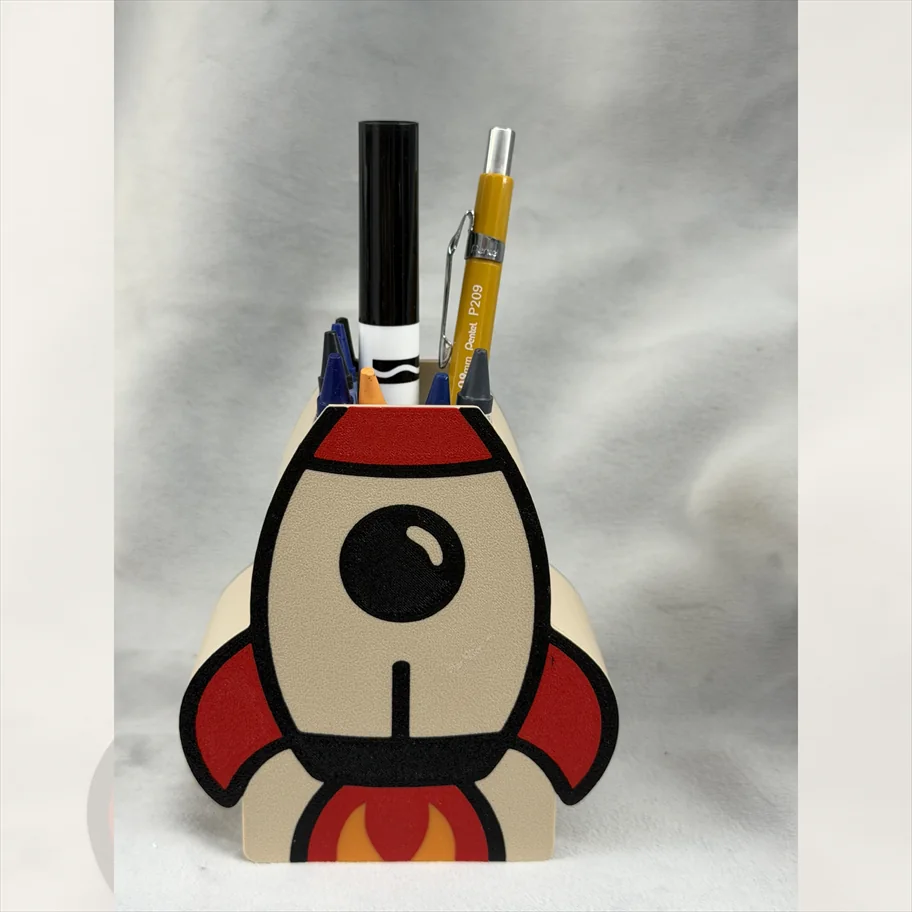
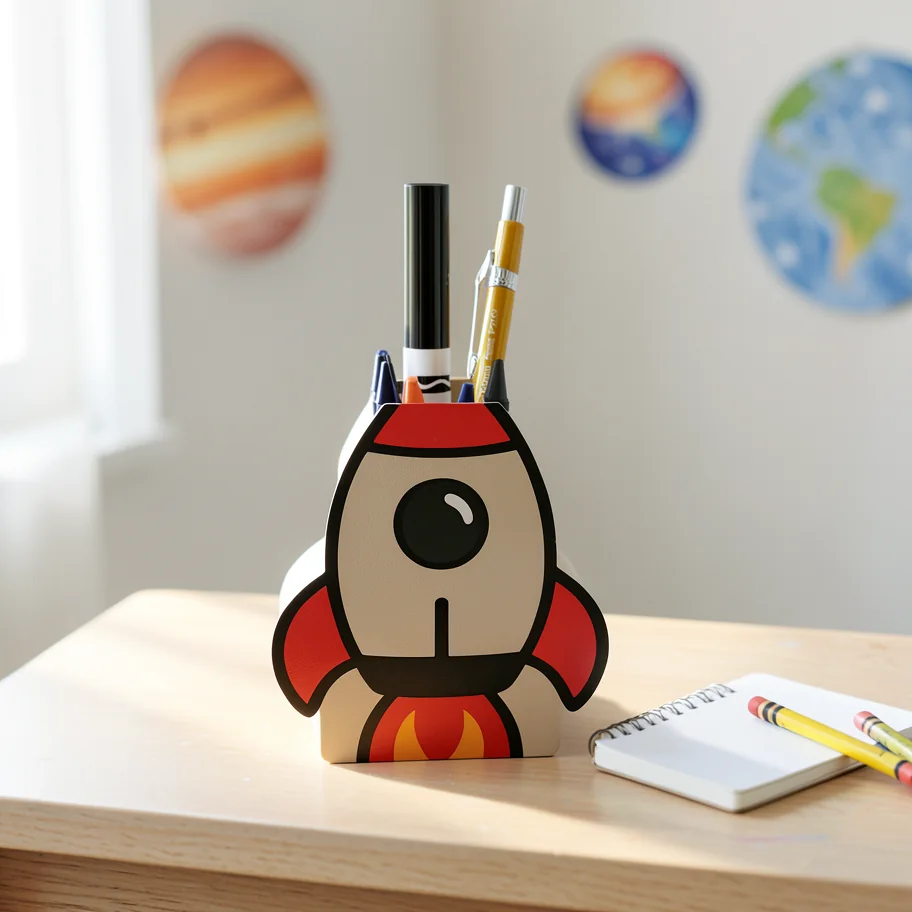
Both images are traceable. The research manifest records the source hash, raw ComfyUI output hash, prompt, model, settings, seed, and elapsed time. That first useful result turned into a much broader investigation across model families, quantizations, text encoders, custom runtimes, step counts, resolutions, denoise values, and warm versus cold behavior.
FLUX.2 Klein 4B
My default for fast, attractive scene creation when the new scene does not need exact text.
6.6–8.4 sec warmQwen Image Edit 2511
My favorite for product fidelity, existing artwork, personalization, and text-sensitive edits.
11–12 sec warm at 2 stepsLocal cost is not zero, but it changes behavior
Cloud APIs remove setup work, scale immediately, and often offer higher absolute quality. They also meter every candidate. As of July 15, 2026, the services I compared ranged from roughly $0.014 for a FLUX.2 Klein edit to $0.25 for a high-quality portrait image through a premium API route.
This was never about recovering the purchase price of the GPU. A credible image feature needs more than a few attractive demos. It needs model comparisons, prompt engineering, seed exploration, performance work, regression suites, failure analysis, and repeated evaluation across different products and asset types.
4 model routes × 20 products × 6 asset types × 5 prompt variants × 3 seeds
= 7,200 generated images
At $0.042 per image, that modest matrix costs about $302. At $0.067, it costs about $482—before higher-resolution runs, rejected experiments, or another project. Local generation lets me sweep prompts, rerun a corpus, compare quantizations, and inspect ugly failures without watching every attempt increment an invoice.
The first successful images were not the final architecture
My early runs proved the idea worked and then exposed everything that could go wrong. Some models were too slow. Some stayed too close to the original. Some looked attractive until I noticed that a name, edge, or piece of artwork had changed.
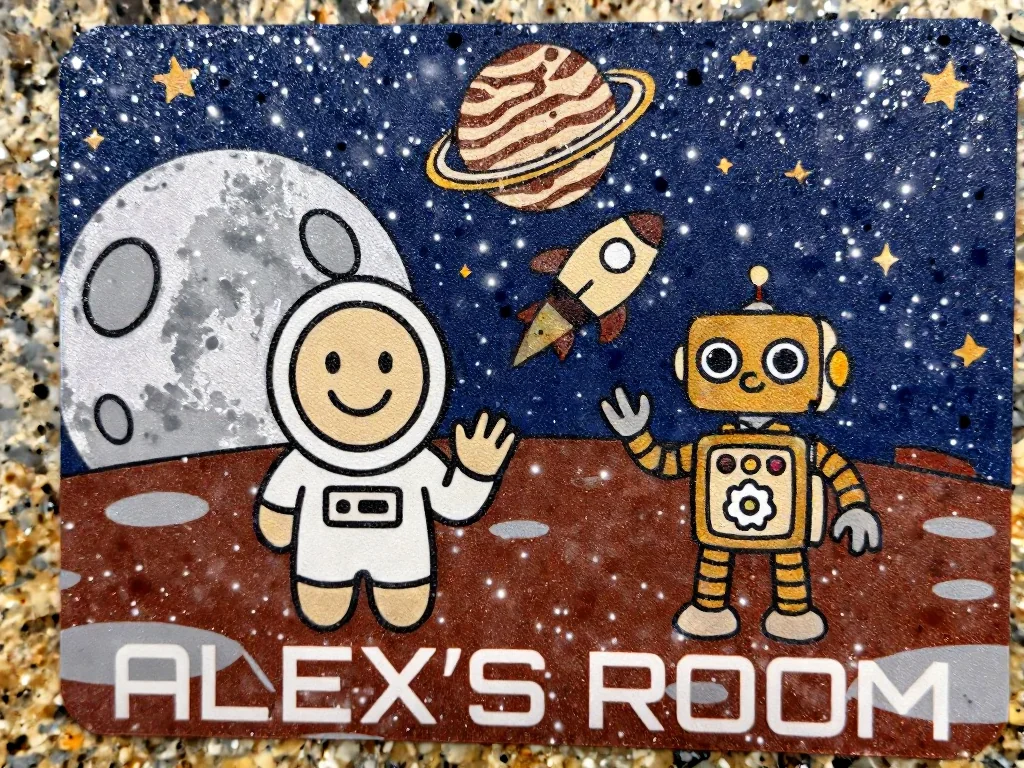
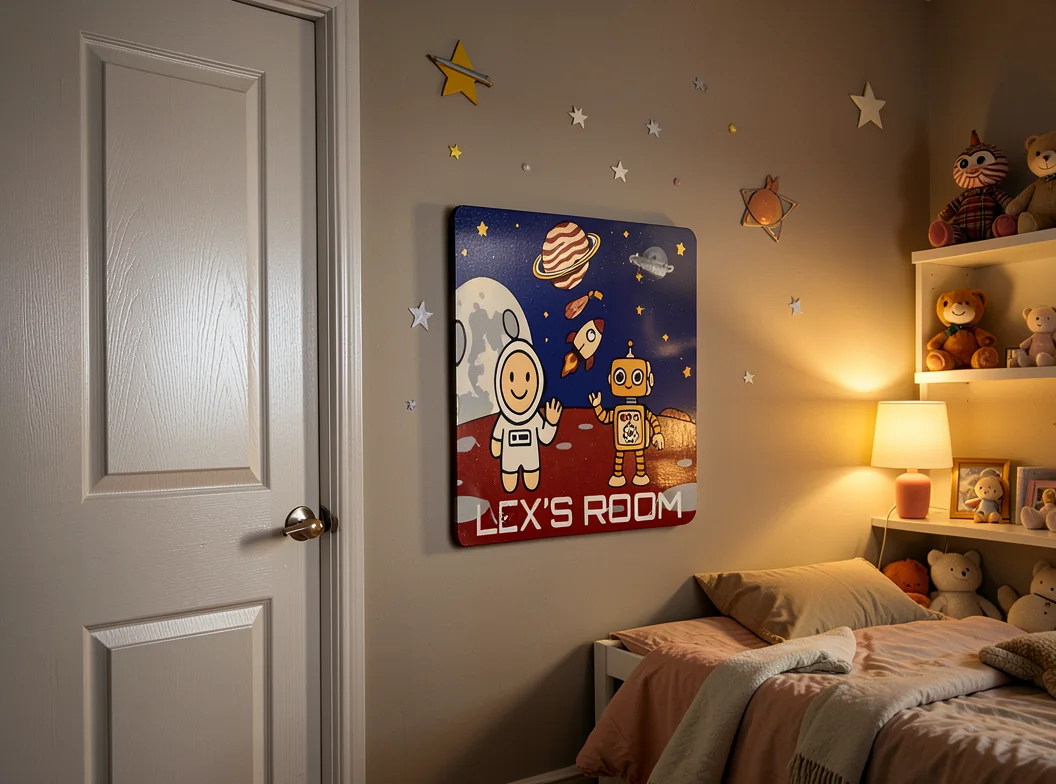
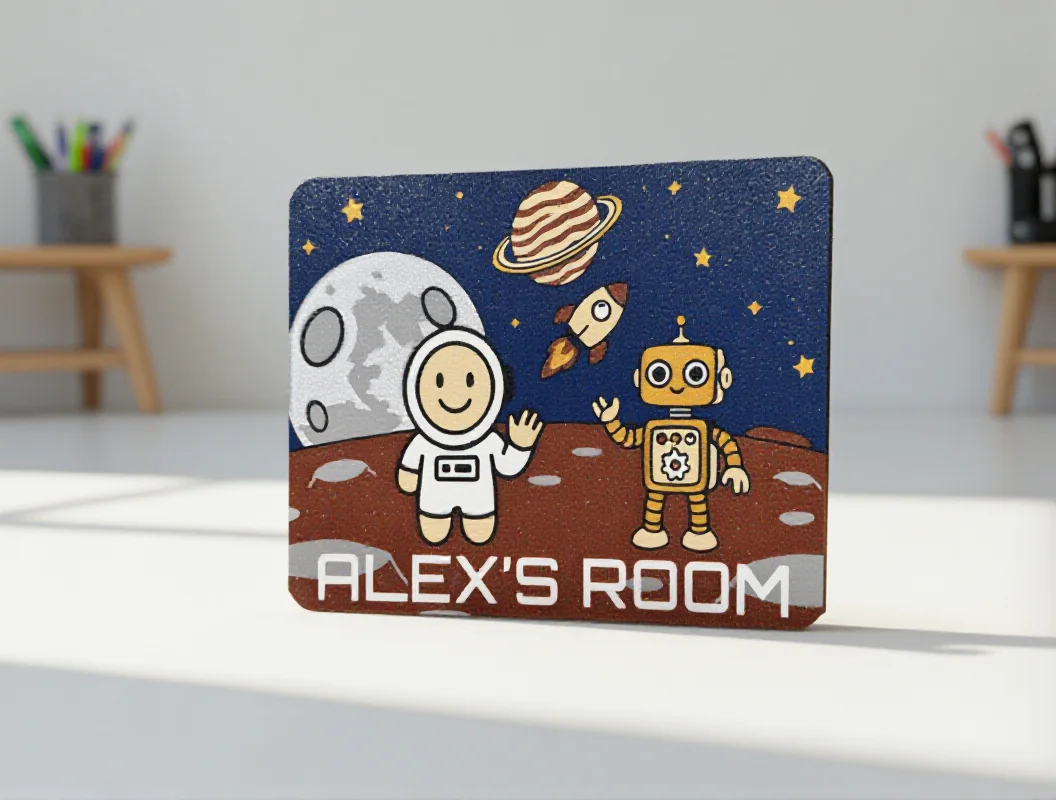
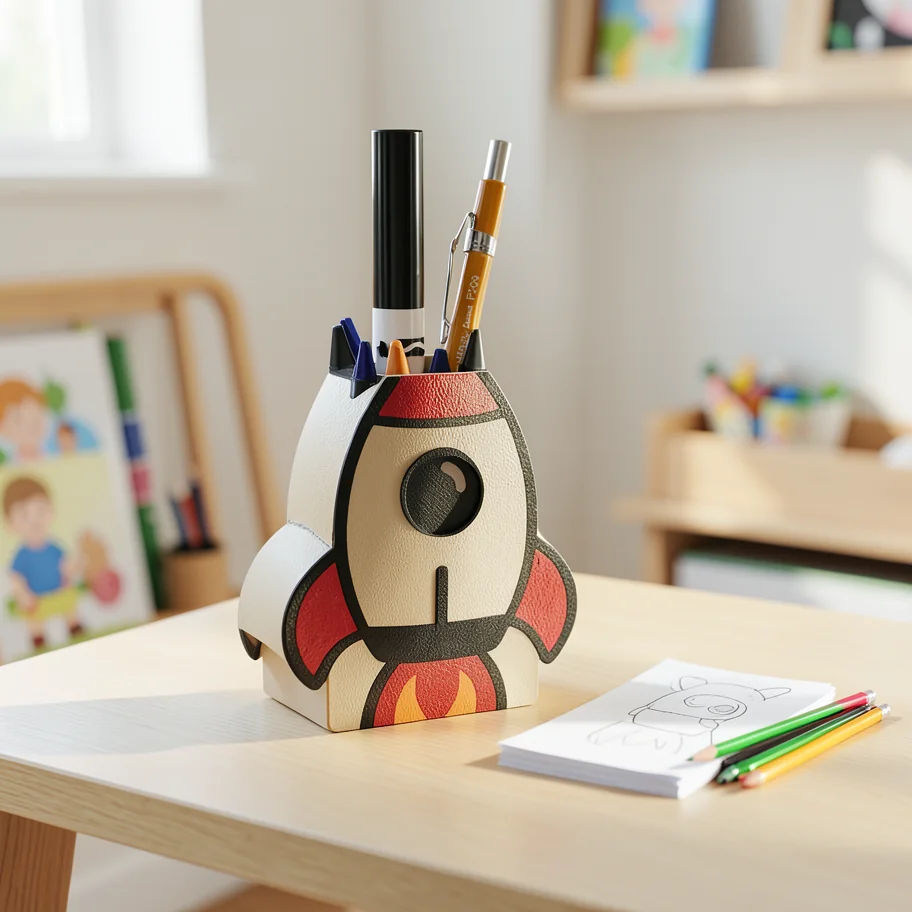
A beautiful image is not a successful product edit if it depicts a different product.
The first full-quality native Qwen graph took about six minutes per image. Reducing resolution helped. Quantizing helped models fit. Neither automatically solved end-to-end latency. Qwen GGUF Q2 and Q3 reduced capacity pressure but did not beat the native Lightning path. FLUX Kontext, Z-Image Turbo, FireRed, and LongCat each ran; none became the best operating route.
Native Qwen became my quality favorite
Qwen Image Edit 2511 was the first family that made the project feel dependable. It understood the source as a product rather than loose inspiration and preserved personalized text and artwork better than the creative-first alternatives.
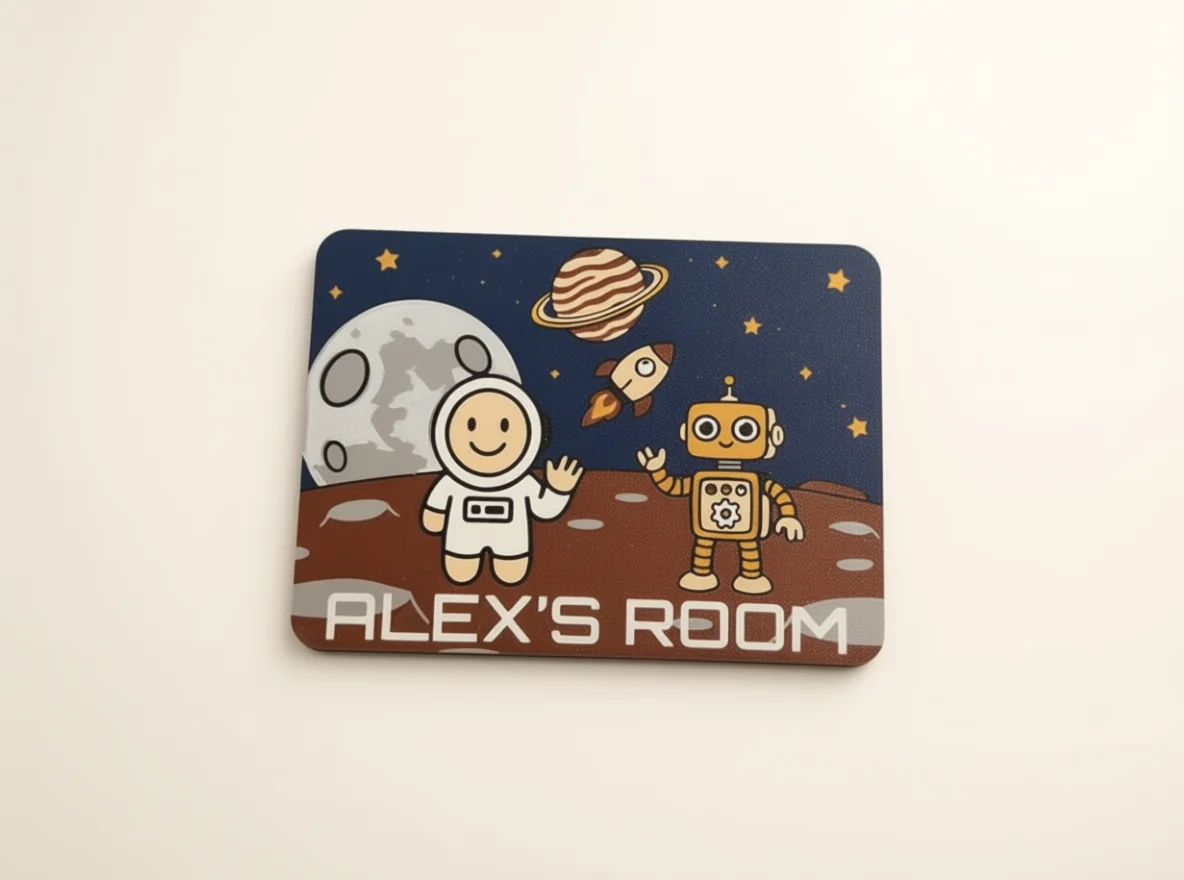
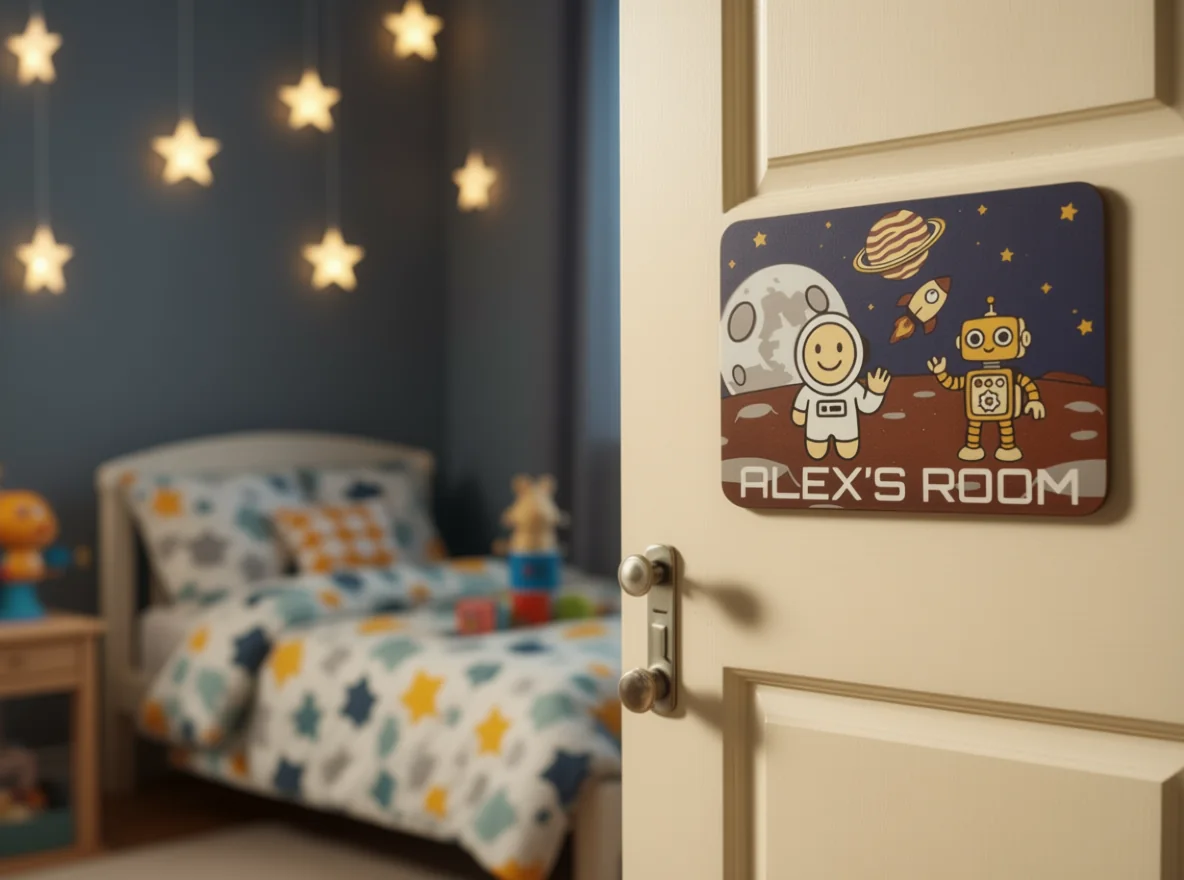
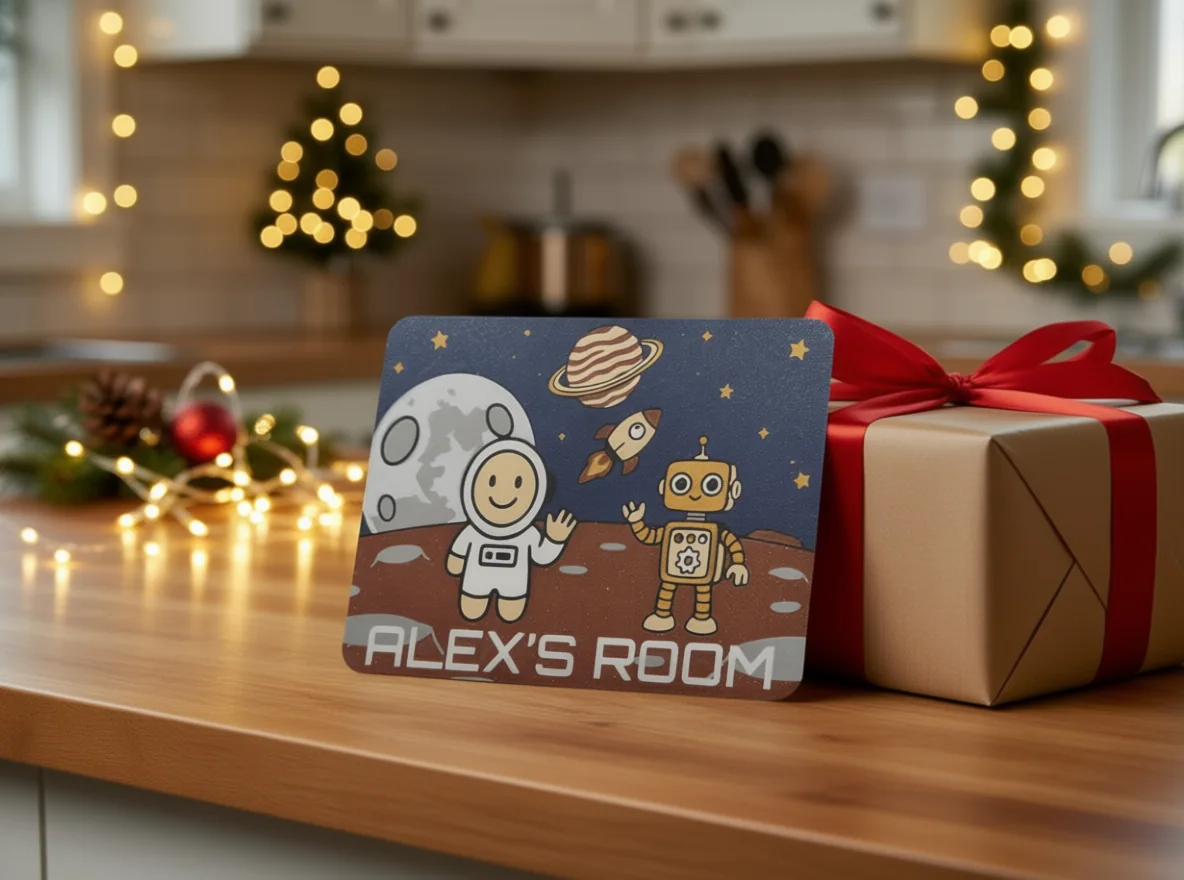
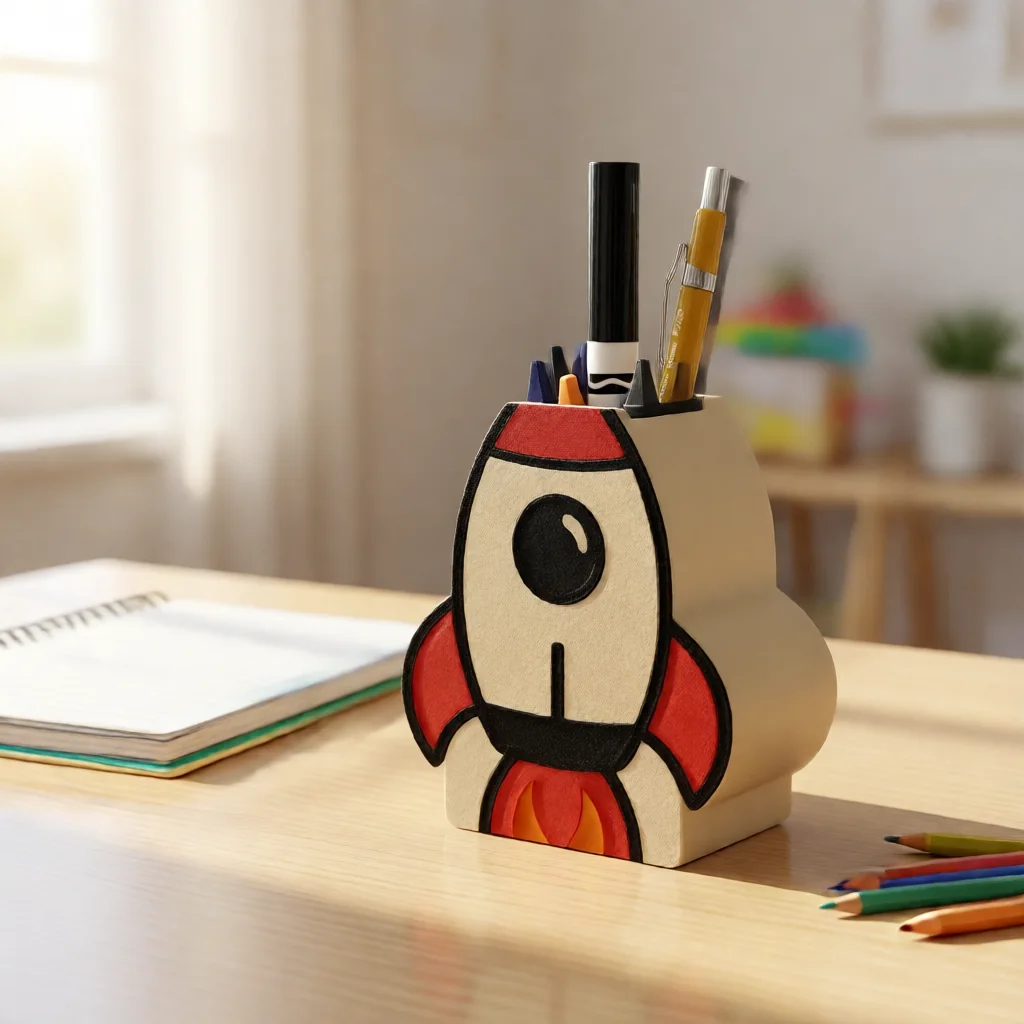
The first three images came from the slower 40-step native graph. They established the quality target: one sign could become a clean hero, realistic room placement, and gift image while retaining readable personalization. The Lightning adapter changed the operating tradeoff. The accepted two-step, 768-class configuration completed in roughly 11–12 seconds warm. Three steps took 22–26 seconds and added polish. One step was faster, but smeared details and text enough to reject.
FLUX.2 Klein was the practical winner
I originally treated FLUX.2 Klein too much like a preview model because one text-heavy test exposed its weakness. That was the wrong conclusion. The 4B model is exceptionally useful when the scene does not need newly rendered text. It is fast, compositionally strong, and surprisingly consistent at making an object belong in a plausible environment.
The FP8 distilled route at 0.8 megapixels generally landed around seven to eight seconds warm. July follow-ups with varied products and prompts landed between 6.6 and 8.4 seconds. NVFP4 preview routes reached roughly four to seven seconds.
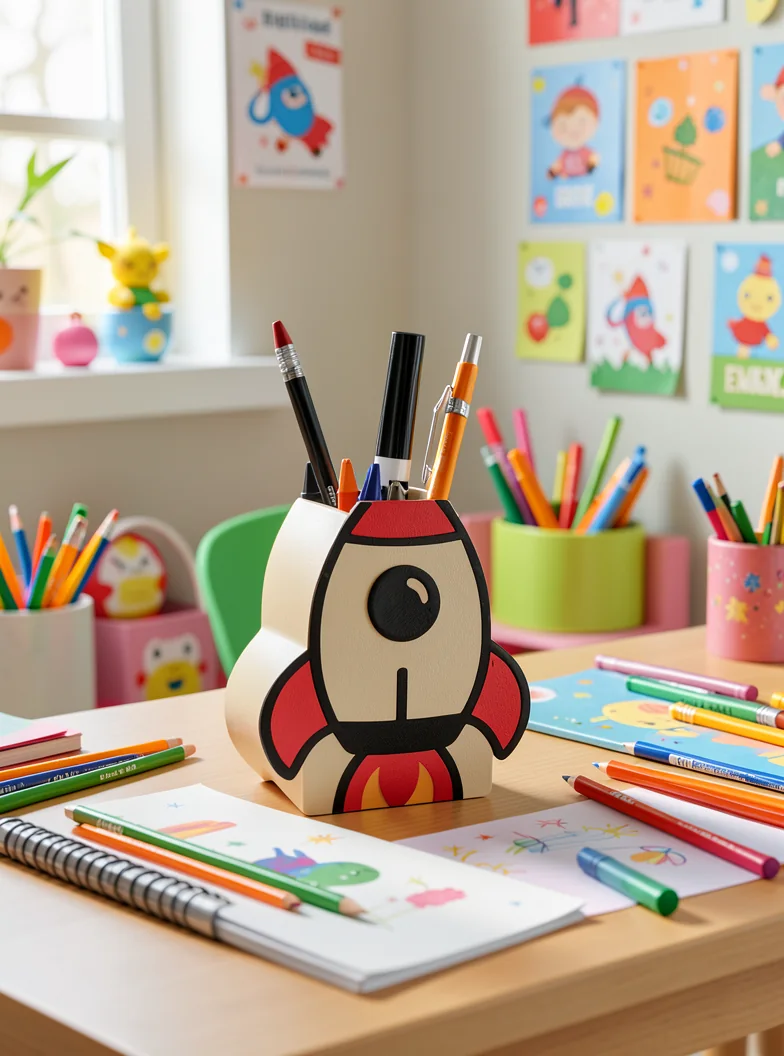
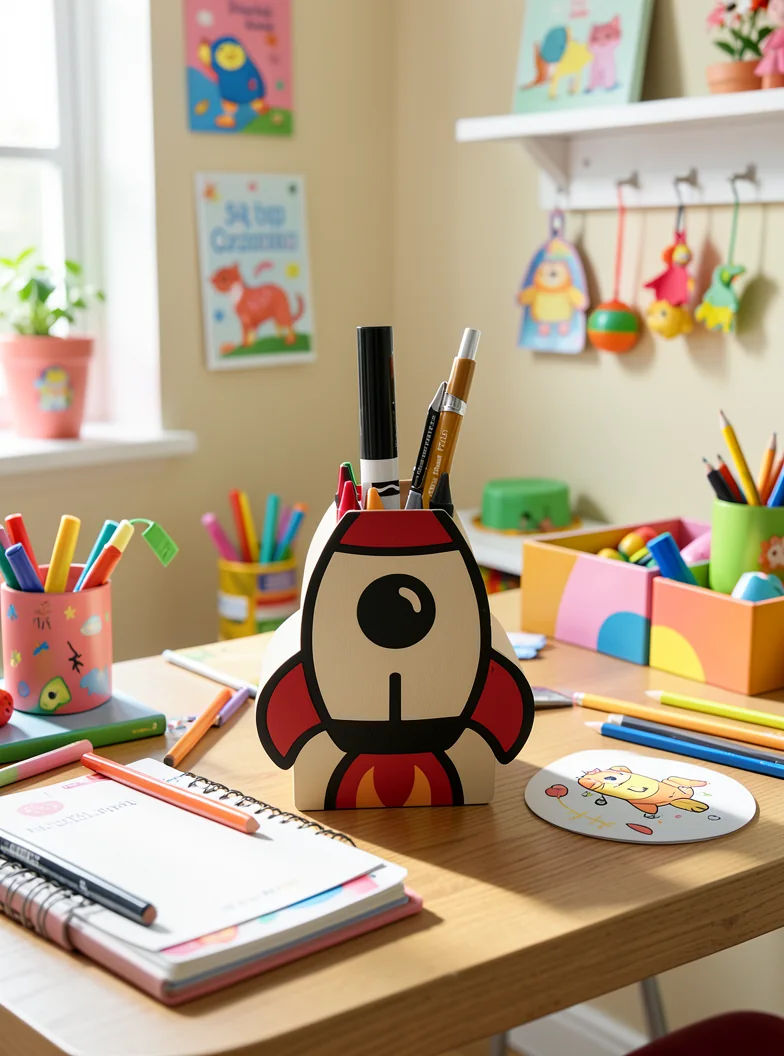
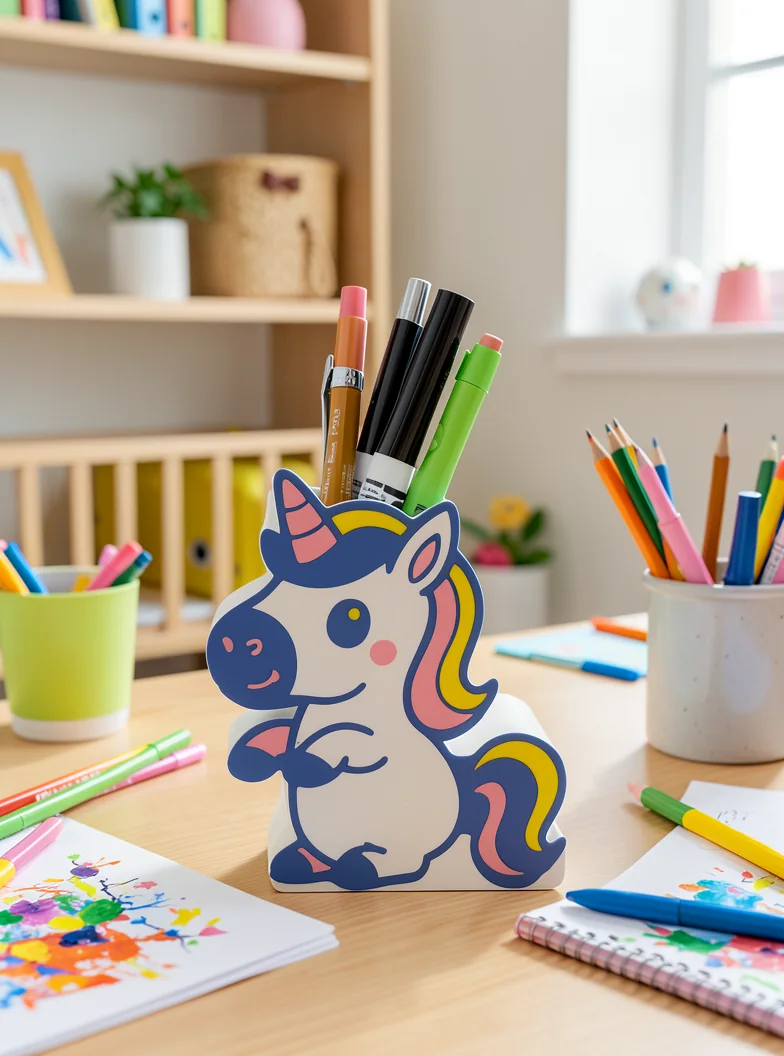
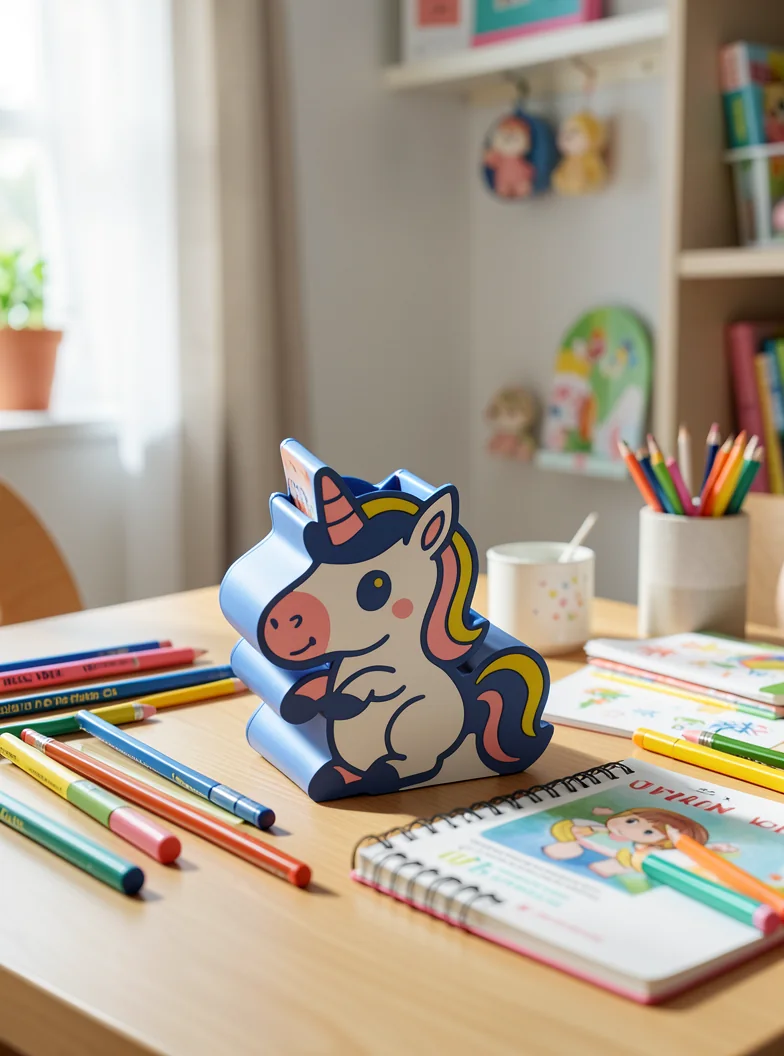



All eight selected FLUX images, including the opening comparison, used the same 4B FP8 route at 0.8 megapixels, six steps, Euler sampling, and CFG 1.0. The published files preserve the generated pixels while stripping embedded ComfyUI graphs and local paths; raw and published hashes remain in the experiment manifest.
When the scene can be text-free and visual direction matters most.
When exact source text, artwork, or fine product identity matters.
Validate the result before publication. Neither model is a photocopier.
What I mean by open models
“Open-source model” is often used as shorthand for any model whose weights can be downloaded. That is useful conversationally, but it is not always precise. The Open Source AI Definitiongoes further than weight access: it describes freedoms to use, study, modify, and share the system, along with access to the preferred form for modification and meaningful information about the training data. Weights alone do not necessarily provide all of that.
For this article, open-weight is the more accurate term for the image models, while open source describes software such as ComfyUI. The practical advantage of open weights is still substantial. I can download a checkpoint, run it without a metered API, pin the exact version, choose a quantization, replace the scheduler or text encoder, inspect the workflow, and compare it against another implementation on my own hardware.
The two models I ultimately favored are unusually approachable for this kind of work. FLUX.2 Klein 4Bpublishes weights for local text-to-image and image-to-image use under Apache 2.0, and its model card explicitly targets consumer GPUs. The Qwen Image Edit family is also published under Apache 2.0. That does not make every community quantization, adapter, custom node, or training dataset equivalent. Each layer still needs its own license, provenance, and security review.
Open weights shift responsibility toward the operator. I have to obtain large model files, manage Python and CUDA dependencies, understand VRAM limits, evaluate output quality, patch workflows when upstream projects change, and decide which third-party code I trust. The trade is control: the model can keep working offline, a provider cannot silently swap the implementation underneath my tests, and I can build repeatable experiments around a known artifact.
What ComfyUI is and why I chose it
ComfyUI is an open-source, node-based interface and inference engine for generative AI. Instead of presenting one large settings form, it exposes the generation process as a graph. A simple image-edit graph might load a source image, resize it, encode it into latent space, attach it as a reference, load a model and text encoder, create a noise schedule, run a sampler, decode through a VAE, and save the result. Each box performs one job; the links show exactly how data moves between them.
That is more complicated than typing a prompt into a website, but it was ideal for this experiment. I needed to change individual parts of the pipeline instead of treating the model as a black box:
- swap native, FP8, GGUF, and NVFP4 model loaders;
- compare text encoders, schedulers, samplers, steps, resolutions, and seeds;
- see which component was occupying VRAM or moving through system memory;
- preserve a complete workflow instead of relying on remembered UI settings;
- run the same graph manually during exploration and through an API during timing and regression tests.
A ComfyUI workflowcan be saved as JSON, which made the visual graph useful as an executable research record. ComfyUI also runs as a client-server application and accepts workflows through an API. That mattered for the longer-term goal: the local UI could be my workbench while a script or application submitted parameterized versions of the same graph. The reusable API templates and runner in the research repository came directly from that approach.
| Option | Where it shines | Tradeoff for this project |
|---|---|---|
| ComfyUI | Visual, component-level graphs; fast-moving model support; reusable JSON; local API | Powerful but initially intimidating; graphs and dependencies can become difficult to manage |
| Hugging Face Diffusers | Direct Python integration, testable application code, and explicit pipeline control | More code and optimization work while I was still changing the graph every few runs |
| InvokeAI | A polished creative canvas, layer-based editing, queues, and visual workflows | Better suited to an artist-facing editing experience than my low-level loader and quantization experiments |
| Stable Diffusion WebUI Forge | Familiar prompt-driven UI, extensions, resource management, and optimized inference | Convenient for straightforward generation, but less natural for documenting a multi-stage experimental graph |
| Model publisher reference code | Closest path to the implementation described by the model author | Maximum engineering burden when comparing many models and community quantizations |
If I were building a narrowly defined production worker after the research was settled, I would seriously consider implementing the accepted path directly in Diffusers or the publisher’s reference runtime. For discovery, ComfyUI let me change one part, see the whole system, and keep moving.
There is an important security cost. Custom nodes are executable third-party code, not harmless workflow decorations. ComfyUI’s own installation guidancewarns users to review node sources and avoid unknown plugins. I treated custom nodes like application dependencies: install only what the experiment needs, record versions, review provenance, and never expose the raw ComfyUI API directly to the public internet.
I wanted a local-AI card, not an image-only card
I bought a refurbished PNY Dual Fan OC GeForce RTX 5060 Ti with 16 GB of GDDR7for $530 in May 2026. Image editing was one reason, but not the only one. I wanted room to experiment with local language and multimodal models, coding assistants, speech, embeddings, retrieval, and whatever interesting open model appeared next.
An 8 GB card would force aggressive quantization, small context windows, CPU offload, or older image stacks too early. Twelve gigabytes looked like the minimum I would consider. The 16 GB 5060 Ti was the best bang for the buck I could find in the low-friction CUDA ecosystem. In hindsight, I am very glad I bought the 16 GB version. I am also much less likely to call 16 GB “a lot of VRAM” now.
Parameter count is not the memory requirement
A 4B image model sounds as though it should fit comfortably on a 16 GB card. Sometimes it does. The complete graph may not. An image-editing workflow can include the diffusion transformer, a vision-language encoder, a VAE, adapters, reference latents, attention buffers, intermediate tensors, custom-node overhead, and more than one loaded model family.
Native Qwen peaked near 15.3 GB in one monitored run and still moved components between RAM and VRAM. GPU utilization averaged around 47 percent even though it peaked at 99. The card was not lazy; the graph was alternating between text encoding, transfers, sampling, and decode work. Capacity determines which experiments are pleasant, which merely run, and which quietly spend most of their time moving data.
What the alternatives cost in July 2026
GPU prices move too quickly for a timeless recommendation. This is the dated U.S. retail snapshot I collected after buying my card, excluding one-off clearance deals and extreme listings.
| GPU | VRAM | Observed price | My read for local AI |
|---|---|---|---|
| RTX 5060 Ti | 8 GB | $360–$395 | Cheap compute, but not enough memory for the range I wanted |
| RTX 5060 Ti | 16 GB | $565–$570 | The strongest affordable CUDA capacity tier here |
| RTX 5070 | 12 GB | $550–$670 | Faster compute paired with less memory |
| RTX 5070 Ti | 16 GB | $900–$1,100 | Faster, same capacity, much more expensive |
| RTX 5080 | 16 GB | $1,250–$1,600 | More speed without solving the 16 GB ceiling |
| Used RTX 3090 | 24 GB | $1,189–$1,292 | Great capacity; high power, used risk, and a hot market |
| RX 9060 XT | 16 GB | $400–$460 | Excellent value if the exact software stack is validated |
| Intel Arc B580 | 12 GB | $300–$310 | Interesting entry point with less headroom |
The 12 GB RTX 5070 is the clearest example of why gaming tiers do not map neatly to local AI: it is faster than the 5060 Ti, but it would make my main constraint worse. AMD looked excellent on paper, especially for a Linux-first stack. My experiment was Windows, ComfyUI Desktop, CUDA-oriented models, and custom nodes. NVIDIA was not the cheapest silicon. It was the path with the fewest unknowns.
Prompt engineering was half the project
Early prompts were broad: make this a great listing photo, use professional lighting, put it in a nice room. They gave the model too much freedom. The output could look good while quietly redesigning the product. The useful pattern became much more deliberate.
Start with a preservation contract
Name the traits that define the object, and put identity before styling.
Preserve the cream body, red fins and top panel, black outlines, orange flame,
circular black window, rectangular storage geometry, visible print texture,
and the same pens and markers.Ask for one asset type
A hero, lifestyle scene, detail crop, and dimension graphic have different composition rules. Do not ask for all of them at once.
Describe physical integration
Specify camera angle, light direction, contact shadow, reflections, depth of field, silhouette, and background. Those details solve the pasted-cutout look.
Close the escape hatches
End with a short exclusion list that prevents duplication, redesign, invented text, hands, or people.
Do not add, remove, duplicate, resize, or redesign the organizer or its
contents. No text, labels, badges, arrows, hands, or people.Keep prompts ranked, not bloated
The strongest prompts usually named five to eight immutable traits, one scene, one camera and lighting plan, and a short exclusion list.
Treat graph settings as part of the prompt
Steps, denoise, seed, resolution, conditioning, and reference scaling all affect instruction following.
Dimension tests made the boundary obvious. Qwen could draw attractive arrows and labels, but it also generated incorrect measurements. The production answer is to let the image model create the visual and deterministic code render dimensions, labels, prices, and compliance text.
Privacy is a feature, not a slogan
Family photos, home interiors, client prototypes, unreleased products, IDs in the background, and proprietary design work should not be uploaded casually. Local inference lets the weights and source stay on the workstation and lets me choose whether any result leaves it. Local does not mean automatically secure—the application still needs good authentication, deletion, storage, logging, backup, and custom-node policies—but it lets me design the data boundary rather than accept one by default.
Other ways I’d use local image generation
Product photography was the stress test, not the limit. The same setup is useful anywhere privacy, repeated experimentation, or fast visual exploration matters.
Family photo restoration
My dad has been using AI to repair damaged historical family photographs as part of our genealogy work. I am exploring whether a local workflow can help him restore more scans without uploading the family archive to a cloud service. The publishable example below is entirely synthetic; the restoration workflow and privacy boundary are real.
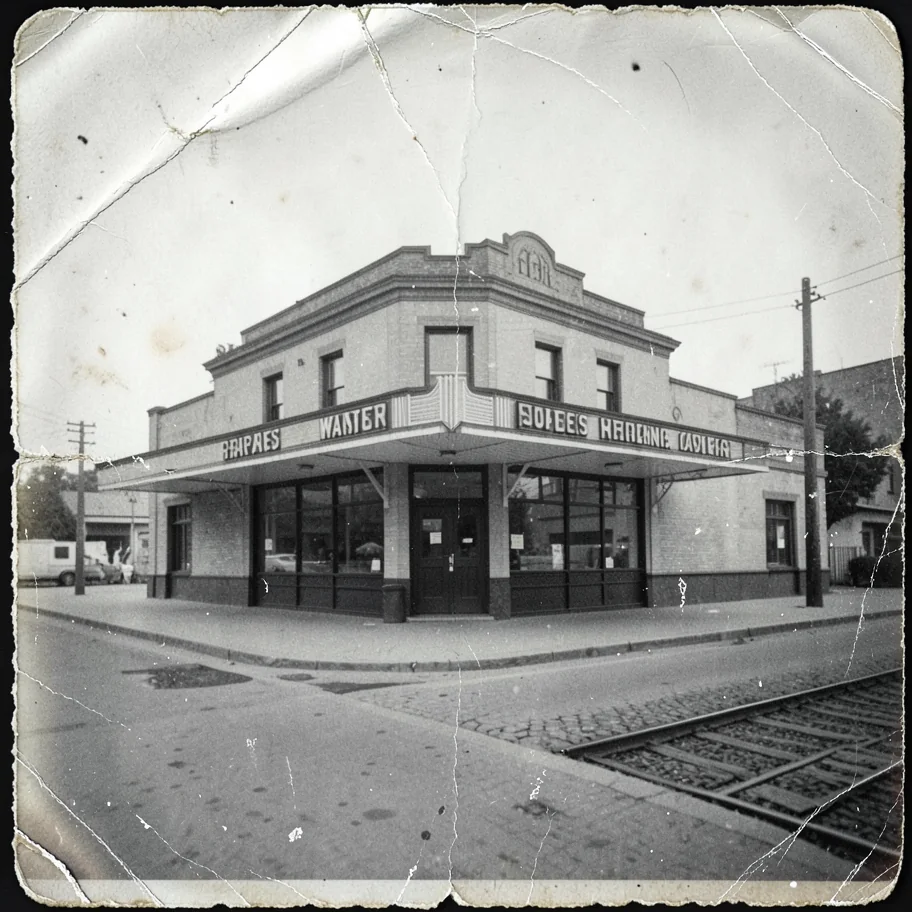
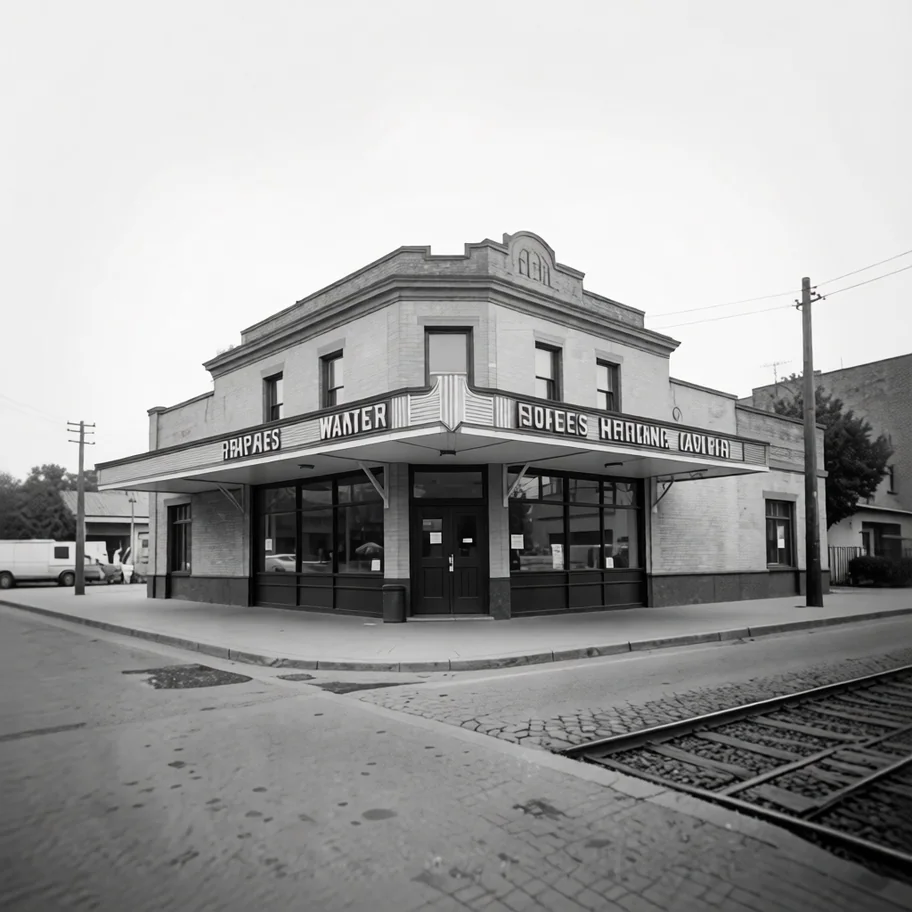
Generative repair needs restraint. A plausible face, building detail, or piece of clothing is not necessarily historically accurate. I would keep the original, label the repaired image as a derivative, and compare every meaningful detail before treating it as evidence.
Game assets and visual prototyping
A rough sketch can become fast visual language for deciding what is worth modeling.


Synthetic data and evaluation fixtures
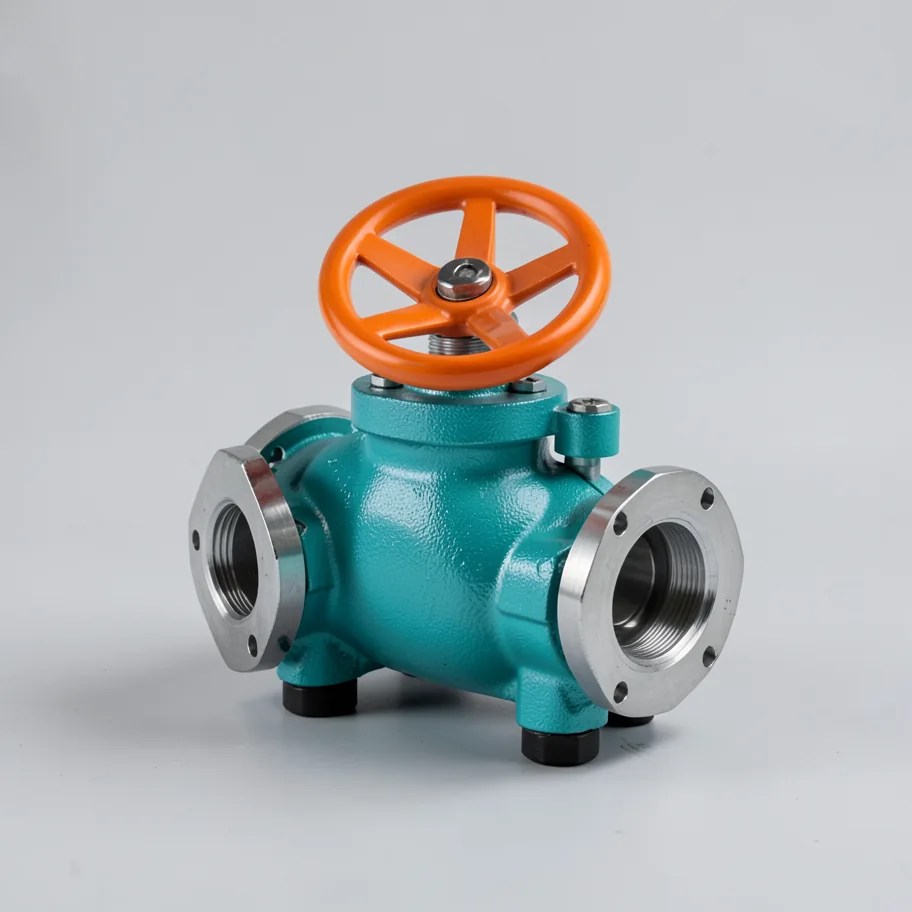
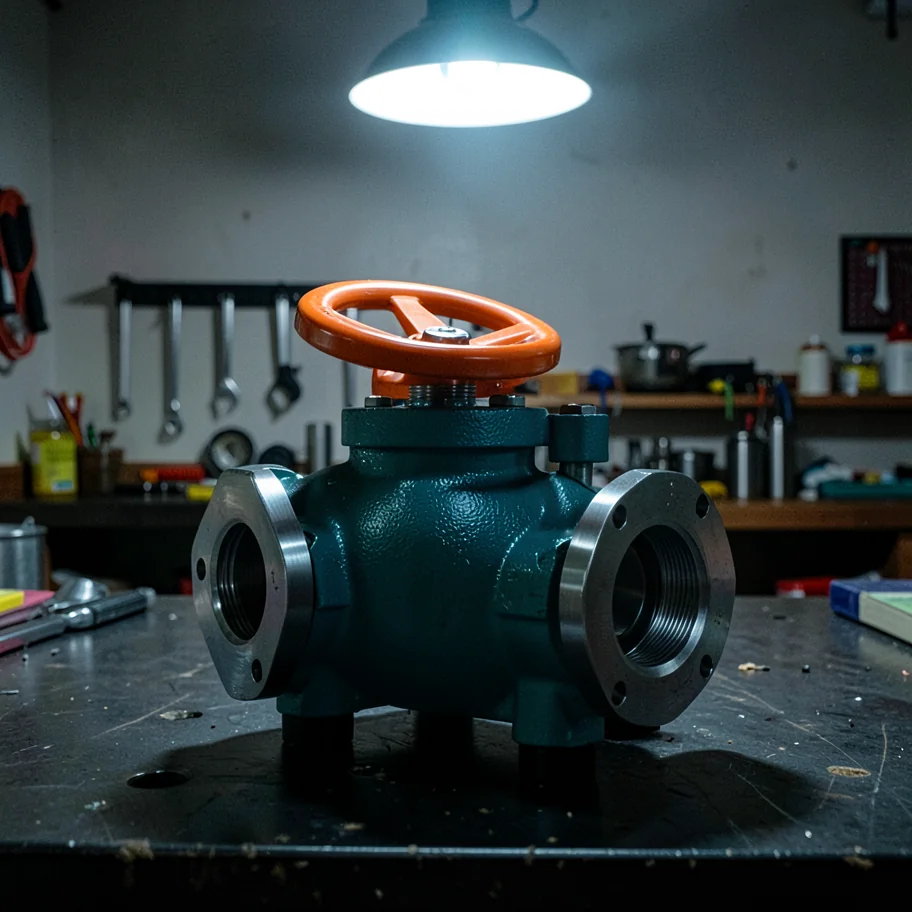
Controlled lighting, background, and viewpoint variants can exercise an inspection pipeline, but must still be validated against real data.
Confidential design iteration
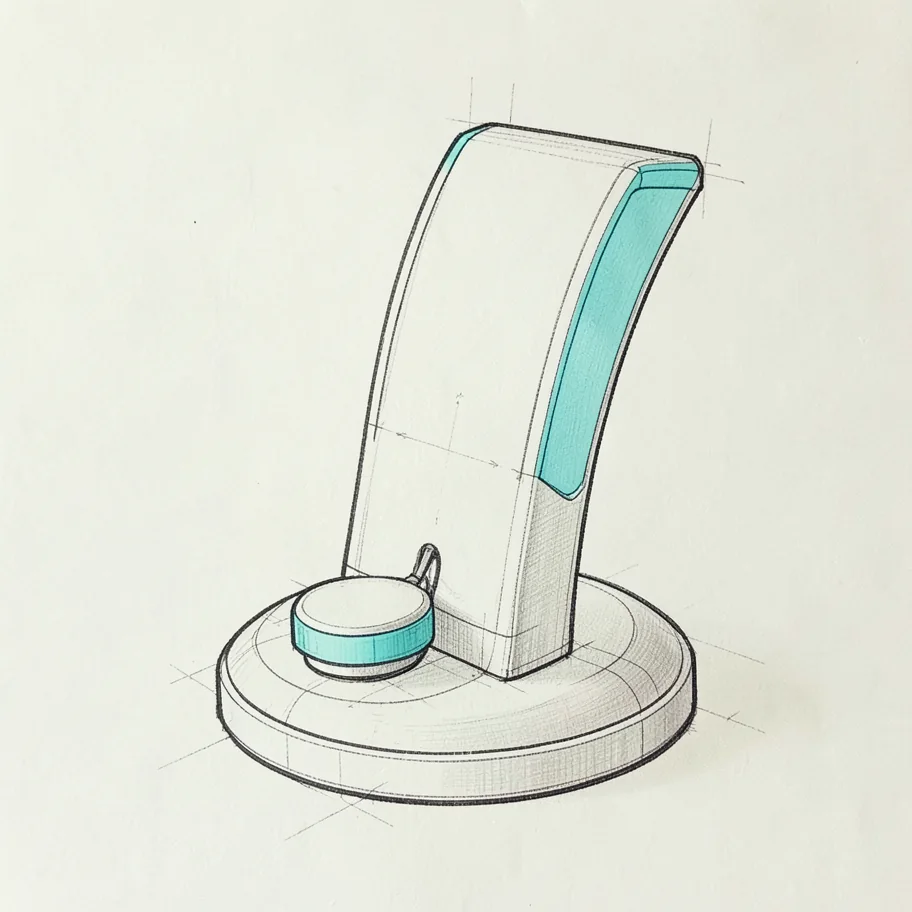
Unreleased packaging, industrial concepts, and client sketches can remain inside a local network.
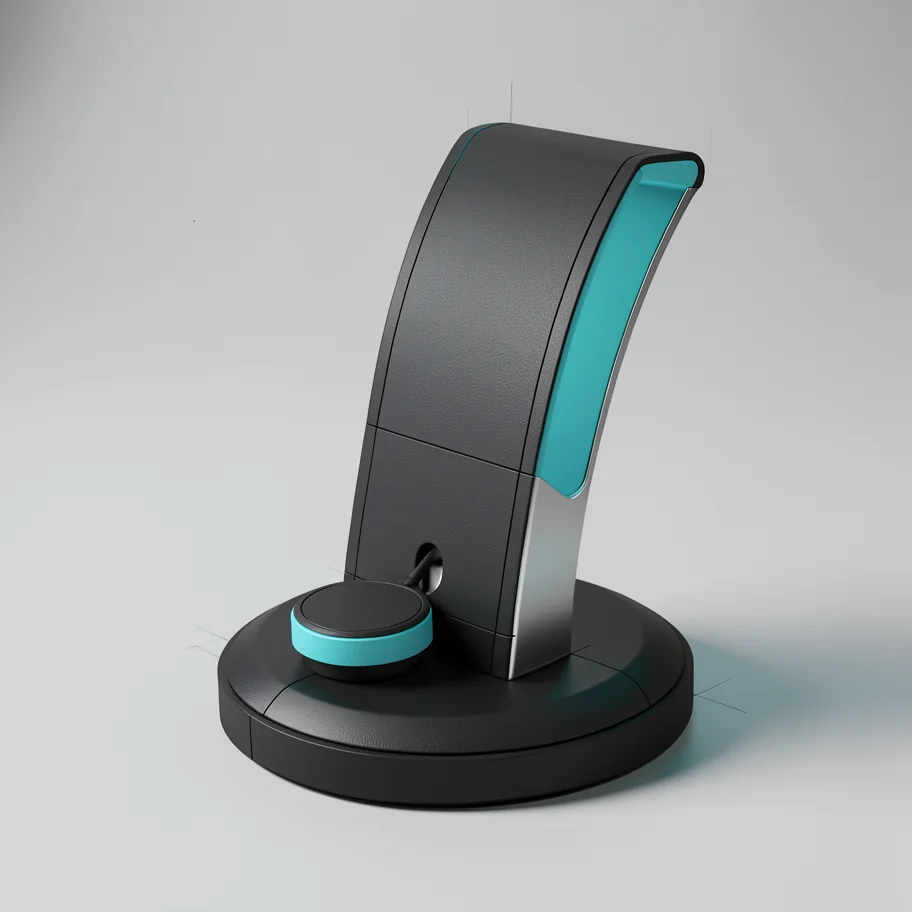
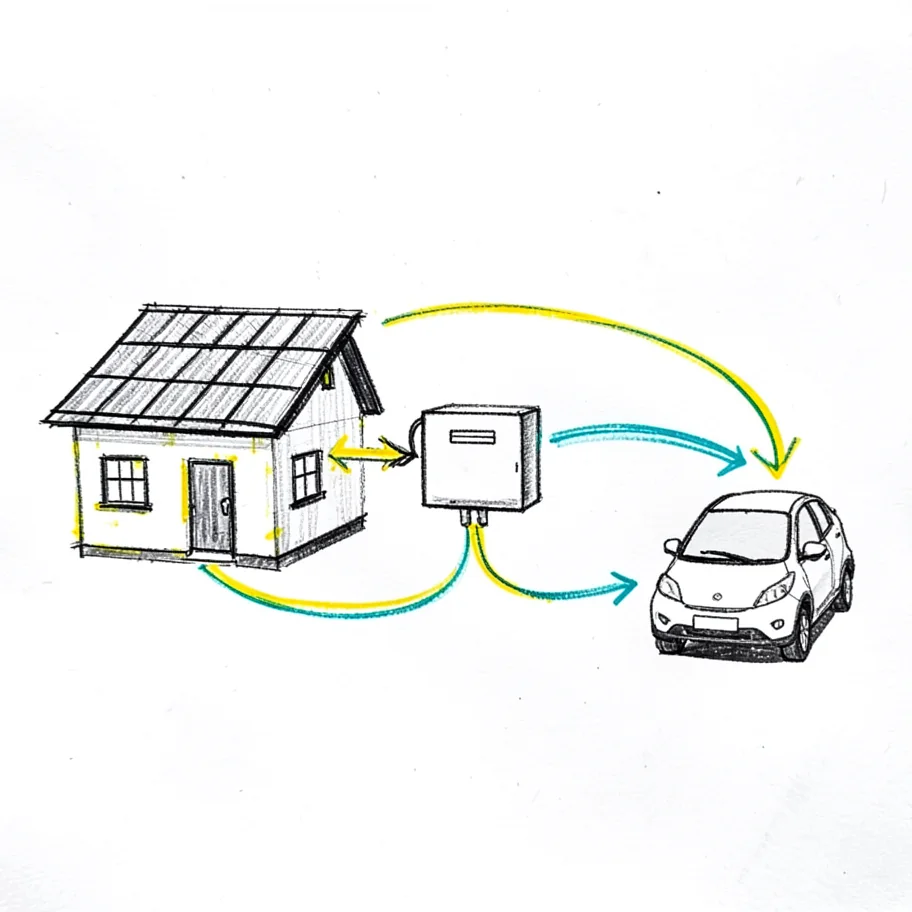
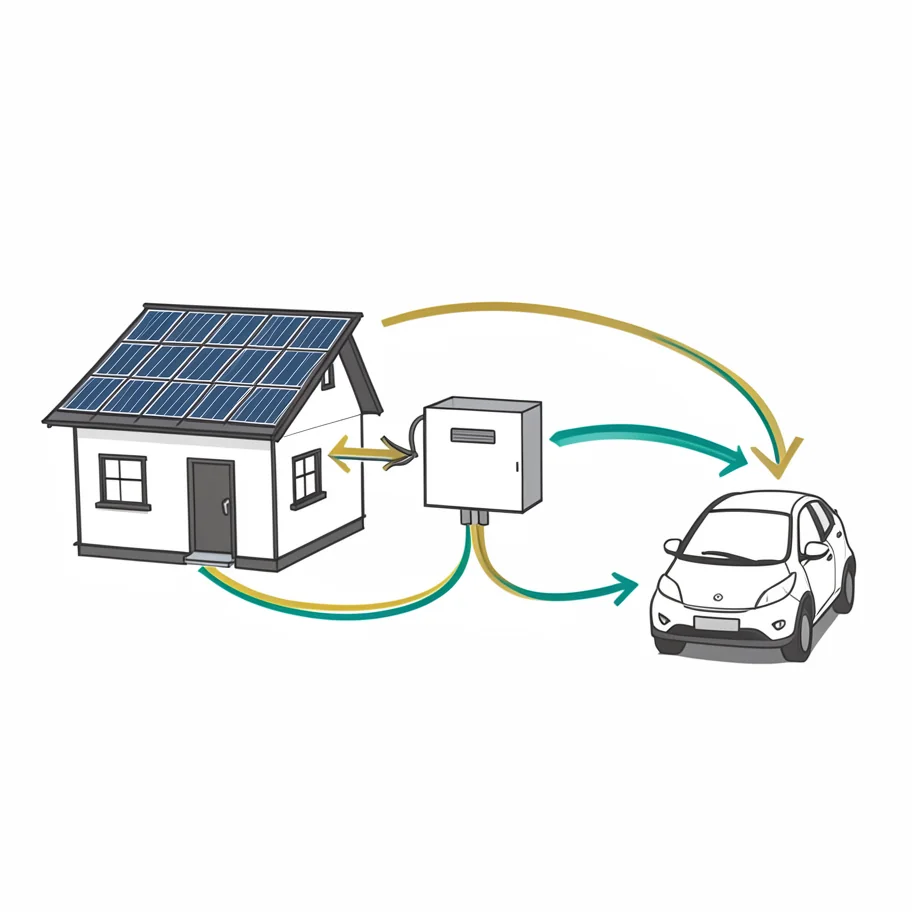
Diagrams and presentation visuals
The model can create the visual layer; labels, measurements, citations, and numbers should still come from code.
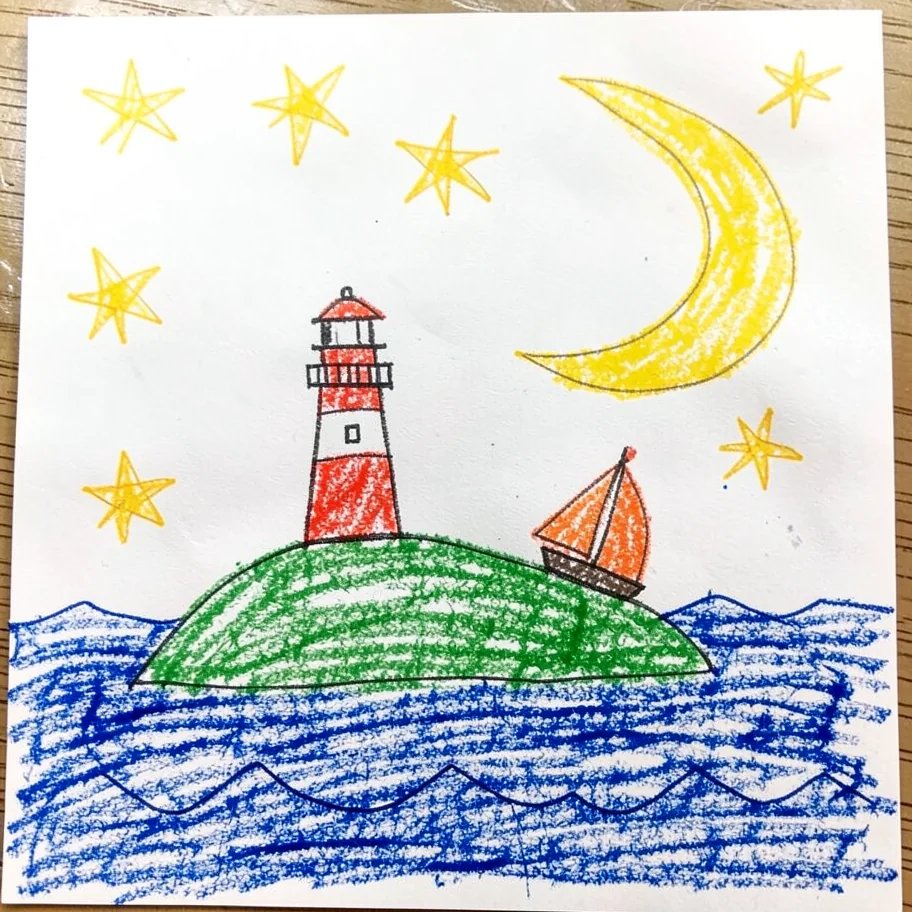
Offline creative tools
A local worker can power a sketch enhancer, private photo kiosk, storytelling tool, or batch editor without API availability or rate limits.
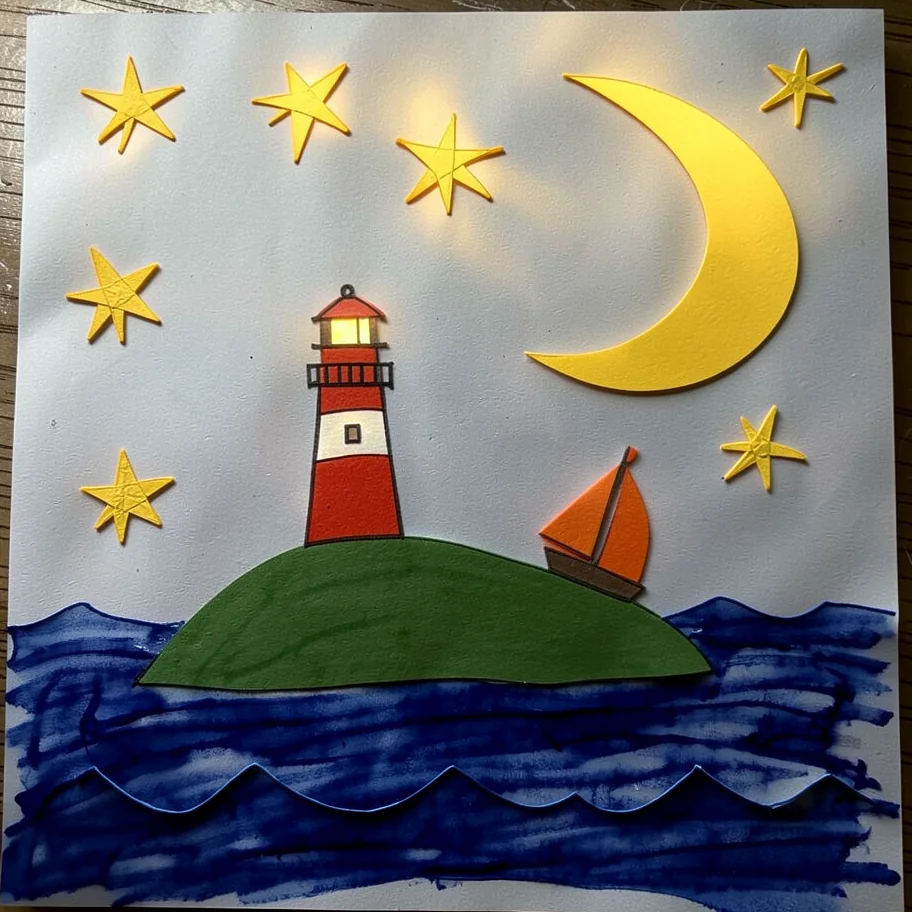
The workflow I would build now
- Analyze the sourceTurn visible product identity into a structured preservation contract.
- Classify the intentHero, lifestyle, detail, scale, gift context, cleanup, concept, or controlled variant.
- Route deliberatelyText-free visual work to FLUX; text- and identity-sensitive work to native Qwen.
- Generate by policyCreate multiple candidates only when the quality policy needs them.
- ValidateCheck product geometry, source text, scene plausibility, contact, and obvious artifacts.
- Add facts with codeDimensions and factual overlays should not come from a generative model.
- Keep an audit trailRecord model, quantization, workflow, seed, resolution, prompt hash, and timing class.
I would keep a cloud provider as an explicit fallback for unsupported requests, unavailable workers, or repeated local validation failures. The fallback should be a visible policy with cost and privacy controls—not an invisible retry.
What I would test next
The largest weakness is the small, evolving corpus. The next serious phase would use at least ten owned products spanning text-heavy, reflective, translucent, soft, irregular, and highly textured objects. Each accepted route would run fixed seeds across hero, lifestyle, and detail prompts. Evaluation would combine OCR, perceptual similarity, segmentation overlap, artifact checks, and human preference scoring.
I would also keep cold-start, warm-model, repeated-prompt, and varied-prompt latency separate. A cached prompt is interesting engineering data, but it does not represent a service receiving a different brief on every request.
Final take
The RTX 5060 Ti 16 GB is not a miniature datacenter. It is also much more capable than I expected.
- FLUX.2 Klein makes attractive, text-free scene iteration genuinely fast.
- Native Qwen Image Edit is the quality route I trust most for identity-sensitive work.
- Quantization can solve memory without solving total latency.
- 16 GB is enough to do serious work and small enough to reveal exactly what consumes memory.
- Prompt structure, camera language, and preservation contracts matter as much as model names.
- Cloud economics favor convenience; local economics favor volume, privacy, and experimentation.
Most of all, this was fun. There is something satisfying about watching a consumer card turn an ordinary photograph into a scene that would have taken real time and space to stage, then opening the graph and figuring out why it worked. Affordable local AI is no longer only a demo. It is a practical engineering medium, with enough constraints left to keep it interesting.
Building an Etsy shop with my dad
How better printers, original children’s products, and the work surrounding every listing led us to NEWMANzoneCREATIONS.
Read the story